OnRestaurant

Restaurant POS and management software

The till, the kitchen and the back office — one system.

Take orders at the table or the counter, send them straight to the kitchen screen, let guests read your menu from a QR code, and see what every dish costs and earns. Built for a busy service, simple enough for somebody's first shift.

  • Runs in the browser on the tablets you have
  • One site or many, in your currency
  • We set it up with you

The till · restaurant POS

Tables, tabs and the counter, on any tablet.

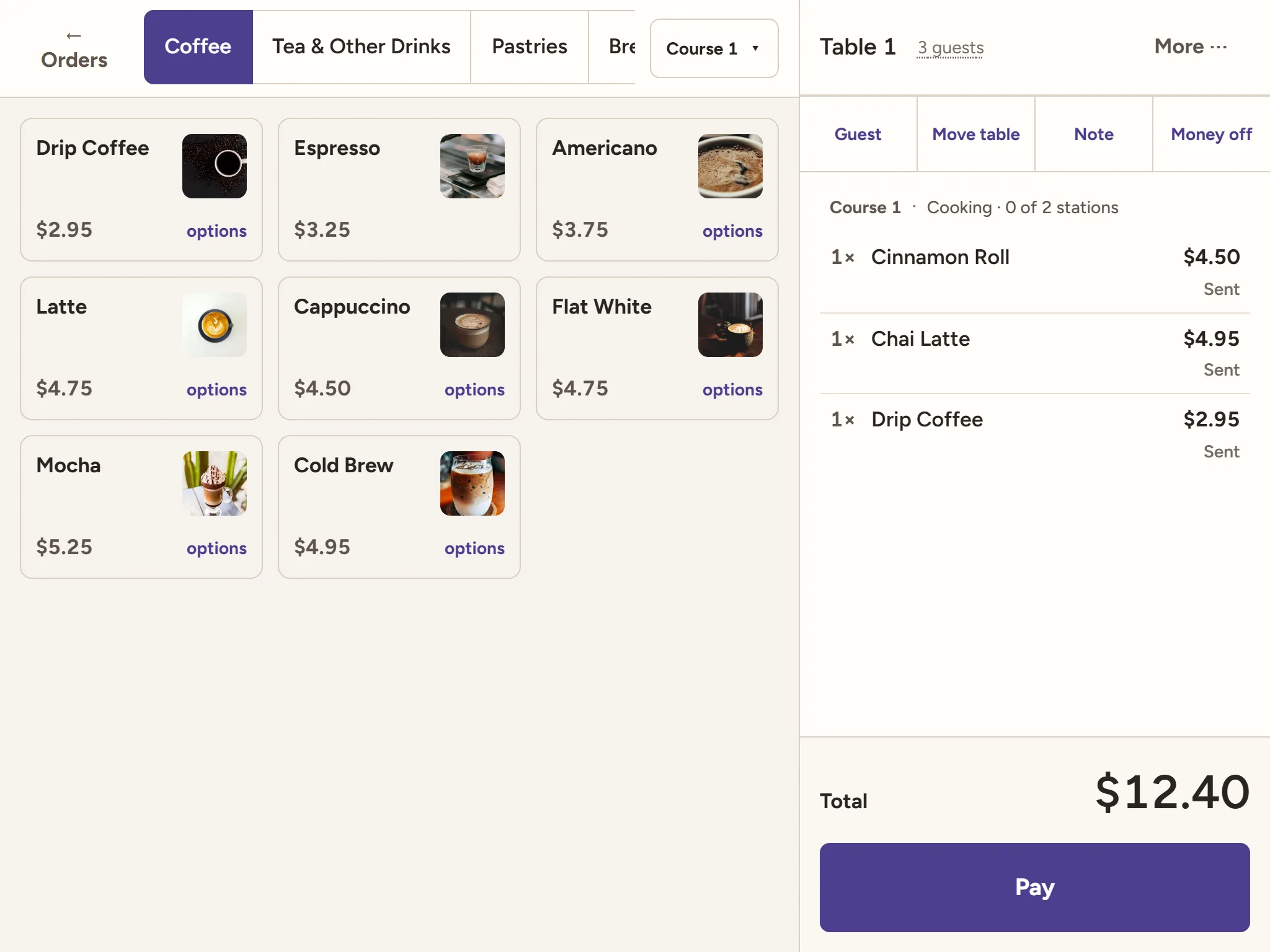
Open a table from the room, add dishes with their options, send each course when it is wanted and take the money when they ask for the bill — split evenly, by seat or by dish, with tips.

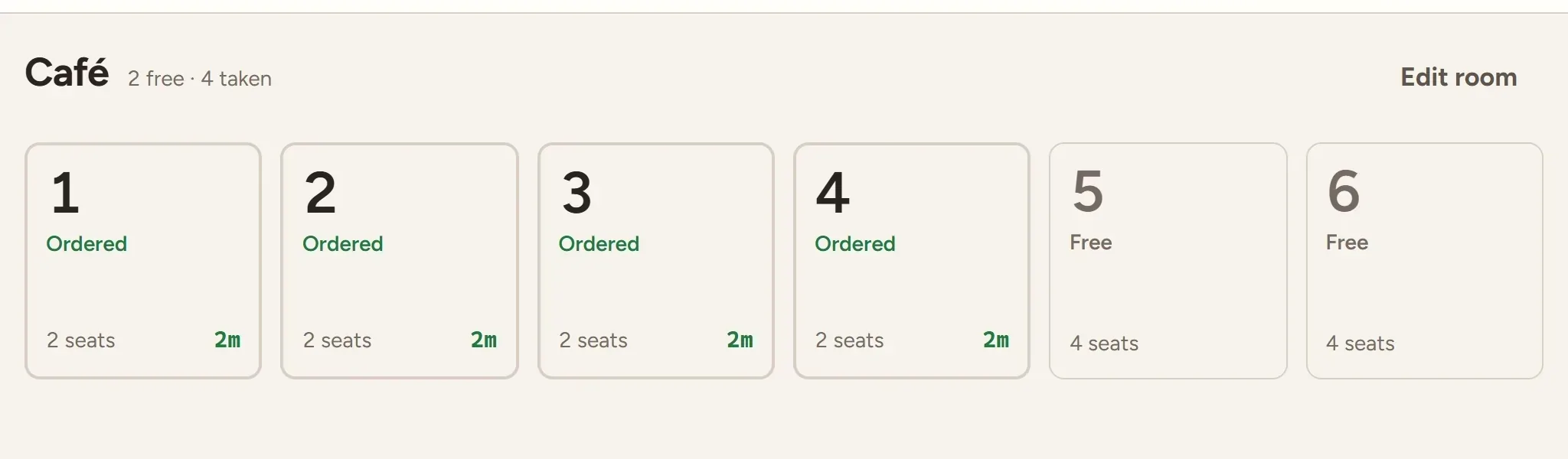
  • The room as it is laid out, with who is waiting and for how long
  • Counter and takeaway orders with a number to collect with
  • Card, cash, gift cards and house accounts
  • Staff sign in with a PIN and clock in from the same screen
  • Each person sees only what their role allows

More about the restaurant POS →

The restaurant POS showing a café's tables: which are ordered, and for how long

The kitchen display system

Every order on the pass the moment it is sent.

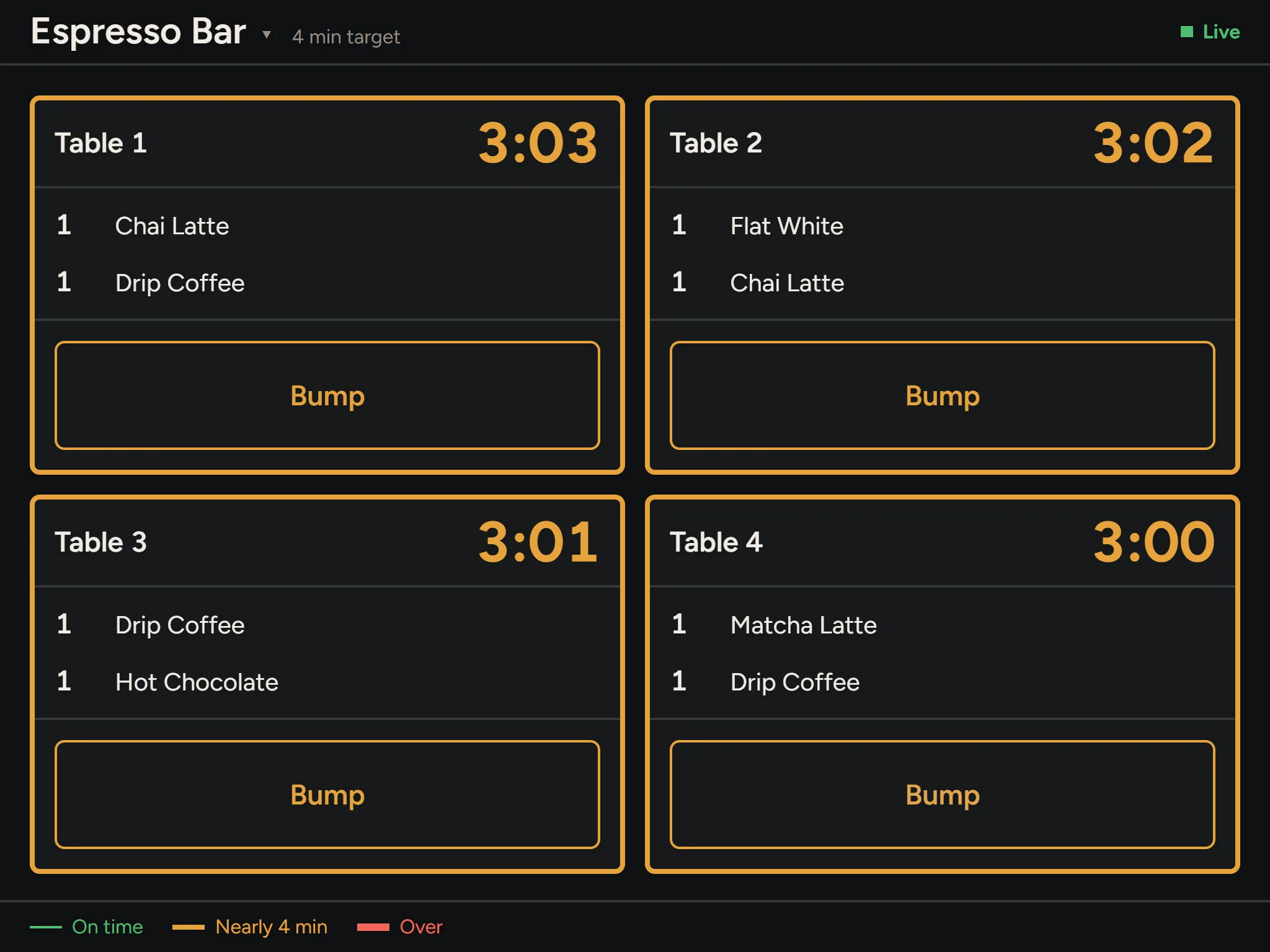
Dockets arrive by station, oldest first, with a clock that turns amber and then red against the station's target time. One tap bumps a docket when it is up; the till sees it at once.

  • Separate screens for the grill, the line and the pass
  • Courses held until the floor sends them
  • Notes, options and seats on every line
  • Read from across a kitchen, in light or dark

More about the kitchen display system →

The kitchen display system at a café's espresso bar, with a docket and timer for each table

The back office · stock, costs and reports

What it costs, what it earns, and what to order.

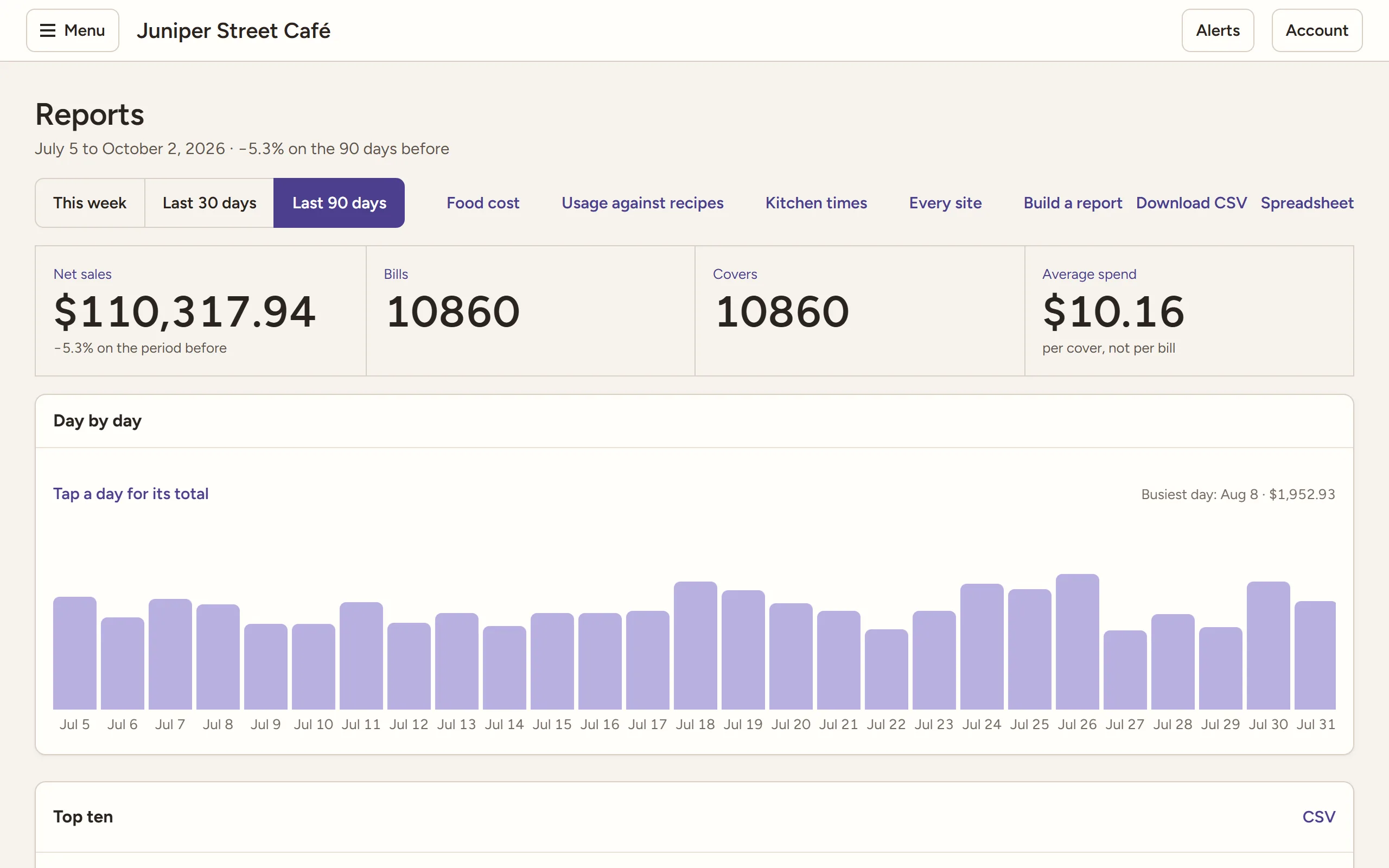
Set the menu and its prices, then let the numbers come to you: sales by dish and hour, plate cost and margin from your recipes, stock that goes down as you sell, and purchase orders from what is running low.

  • Menu, options, prices, happy hours and coupons
  • Recipes, stock counts, waste and suppliers
  • Rota, timesheets and labour against sales
  • Day close with a Z report, and reports by email
  • Bring your menu, suppliers and staff in from a spreadsheet

More about inventory and recipe costing →

Restaurant reports for the last 90 days: net sales, bills, covers, average spend and sales by day

One system, not five

The till, kitchen, menu, stock and reports share one set of data — no exports between them.

Safe by default

Two-step sign-in, an audit log of every sensitive change, and each restaurant's data kept apart.

Grows with you

Add a second site, a central kitchen or a supplier portal when you get there.

Connects

An API and webhooks for the tools you already use.

Plans

Start small. Add what you need.

Every plan includes the till, the kitchen screen and the QR menu. Talk to us for a price for your restaurant.

Starter

For one restaurant getting going.

  • One location, two tills, one kitchen screen
  • Tables, tabs and orders with options
  • QR menu with photos and allergens
  • Cash and card, even splits and tips
  • Receipts, day close and the Z report
  • Clock-in and sales reports
Ask about Starter

Most restaurants

Professional

For a busy restaurant, or a few of them.

  • Up to five locations, with as many tills as you need
  • Kitchen stations, the pass and target times
  • Counter service, courses and splits by seat or dish
  • Gift cards, house accounts, promotions and coupons
  • Recipes, plate costs, stock and purchasing
  • Rota, labour cost and guest loyalty
  • Dashboards, scheduled reports, API and webhooks
Ask about Professional

Enterprise

For groups and central kitchens.

  • Unlimited locations, tills and screens
  • Bookings with deposits
  • Cooking for other sites, and kitchen analytics
  • A report builder and group-wide reports
  • Nested recipes and three-way invoice matching
  • Roles by location and payroll export
Ask about Enterprise

Questions

Before you ask.

What do I need to run it?

A tablet, phone or computer with a modern browser and an internet connection. There is nothing to install: the till, the kitchen screen and the back office each open at their own address.

How do we get started?

Talk to us. We set your restaurant up, help bring in your menu, suppliers and staff from a spreadsheet, and invite you to sign in.

Can we use our own currency and tax rates?

Yes. Each location has its own currency, time zone, tax rates and business day, and every report follows them.

Can we change plans later?

Yes, up or down. What a plan does not include is still shown in the software, with the plan that has it, so nobody is surprised.

Who can see our data?

Your team, each limited to what their role allows. Our support staff can look only when you grant them access, only for as long as you say, and only to read.

Ready to see it with your own menu?

Tell us a little about your restaurant and we will be in touch.

Talk to us